Managing hiring, onboarding, employee records, payroll coordination, and follow-ups manually becomes difficult much faster than most businesses expect.
Even small HR tasks start consuming hours once your team begins scaling.
That is why more companies are shifting toward HR automation tools that reduce repetitive work, improve operational efficiency, and help HR teams move faster without increasing manual workload.
In this guide, you’ll discover:
- Why businesses are adopting HR automation tools faster
- How HR automation improves hiring and onboarding workflows
- The 9 best HR automation tools to consider
- How to choose the right HR automation platform
- Common mistakes to avoid during HR automation implementation
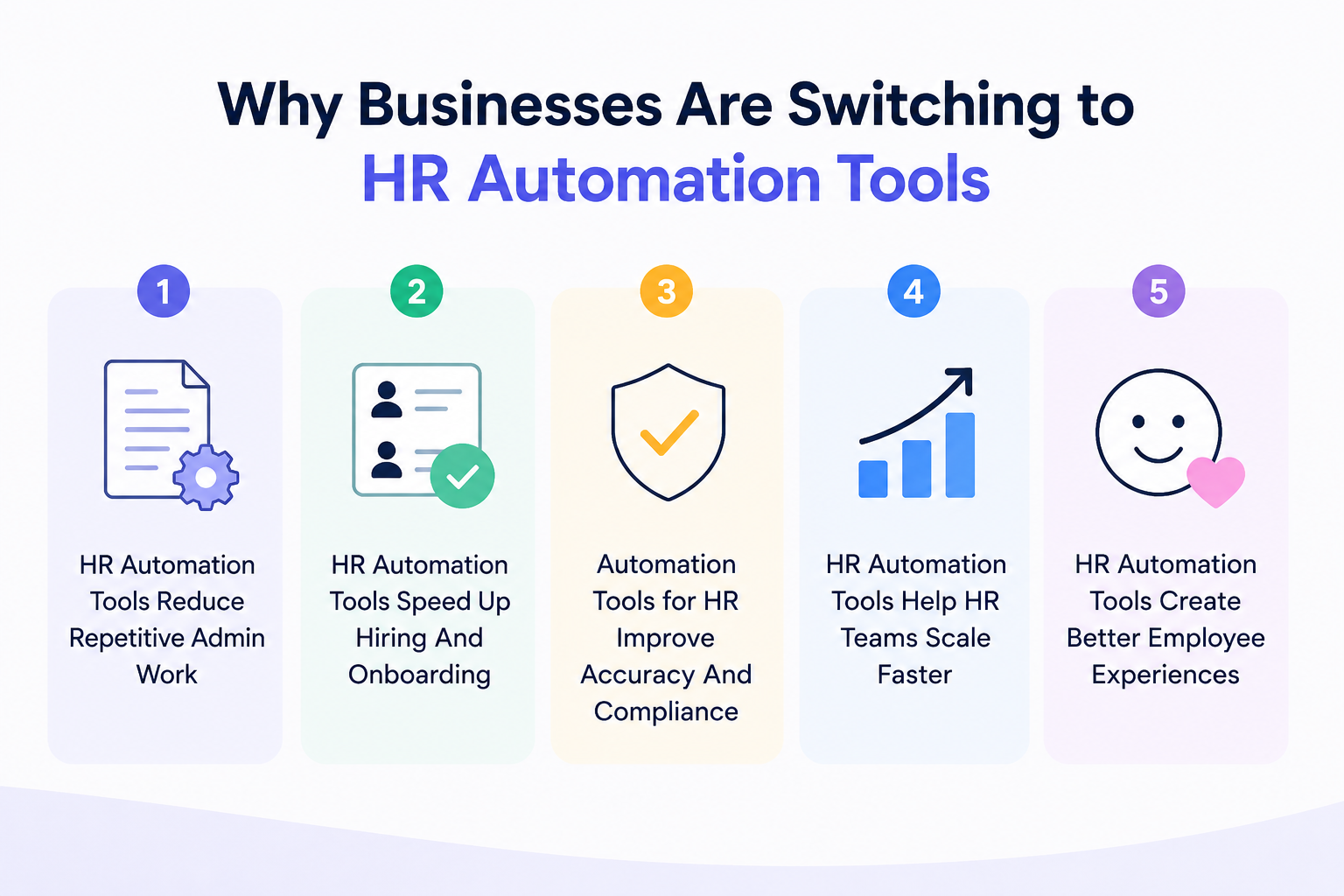
Why Businesses Are Switching to HR Automation Tools
Managing HR manually may seem manageable in the beginning, but repetitive tasks start slowing teams down as hiring volume increases.
That is why businesses are now investing in HR automation tools that simplify daily operations and reduce unnecessary manual effort.
HR Automation Tools Reduce Repetitive Admin Work
HR teams spend hours updating employee records, sending follow-ups, managing documents, and coordinating interviews manually.
HR automation tools handle these repetitive workflows automatically, allowing teams to focus more on people instead of administrative tasks.
HR Automation Tools Speed Up Hiring And Onboarding
Hiring delays often happen because recruiters juggle sourcing, screening, scheduling, and onboarding across multiple platforms.
Automation tools streamline these steps, helping companies move candidates through the hiring process much faster.
Suggested Reading:
How Recruitment Automation Is Transforming Hiring in USAAutomation Tools for HR Improve Accuracy And Compliance
Manual data entry increases the risk of payroll mistakes, missing documents, and compliance errors.
HR automation tools reduce these issues by keeping employee data organized, standardized, and automatically updated across systems.
HR Automation Tools Help HR Teams Scale Faster
As businesses grow, HR workloads increase quickly without proper systems in place.
Automation allows smaller HR teams to manage larger hiring pipelines and employee operations without constantly expanding headcount.
HR Automation Tools Create Better Employee Experiences
Employees also expect faster communication, smoother onboarding, and quick access to HR support.
Automation improves response times and creates a more organized experience throughout the employee lifecycle.
9 Best HR Automation Tools
Choosing the right HR automation tool depends on your hiring needs, company size, and operational workflows.
Some platforms focus on recruiting automation, while others simplify payroll, onboarding, and employee management.
Leelu AI
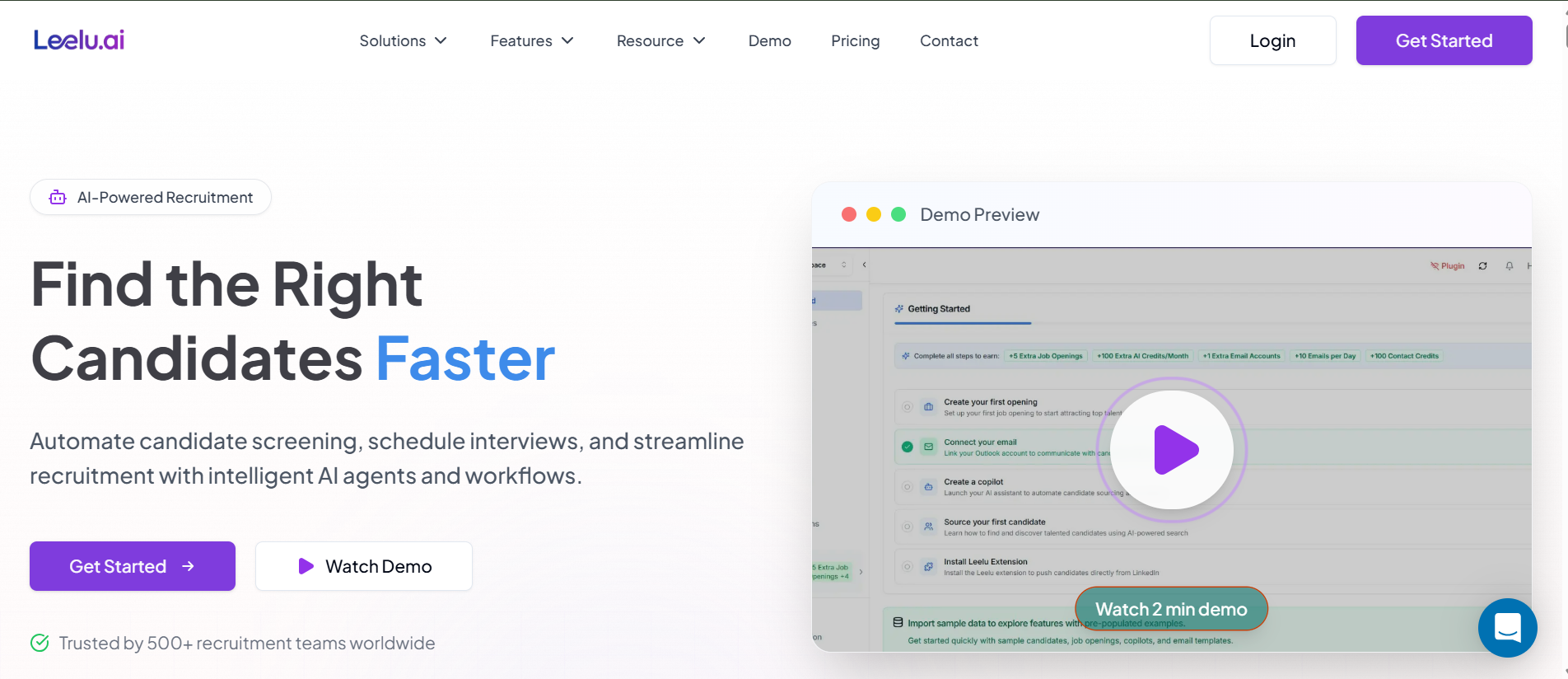
Leelu is an AI recruiting copilot built to automate sourcing, screening, outreach, and interview scheduling from one platform.
It is designed to reduce manual recruiting work and accelerate hiring workflows.
Best Features
- Access to 500M+ candidate profiles
- AI-powered sourcing and screening
- Automated outreach and follow-ups
- Smart interview scheduling
- ATS integrations and unified candidate profiles
Best For
Startups, recruitment agencies, and scaling hiring teams.
Pricing
- Starter: $79/month
- Growth: $149/month
- Scale: $249/month
- Agency Pro: $499/month
BambooHR
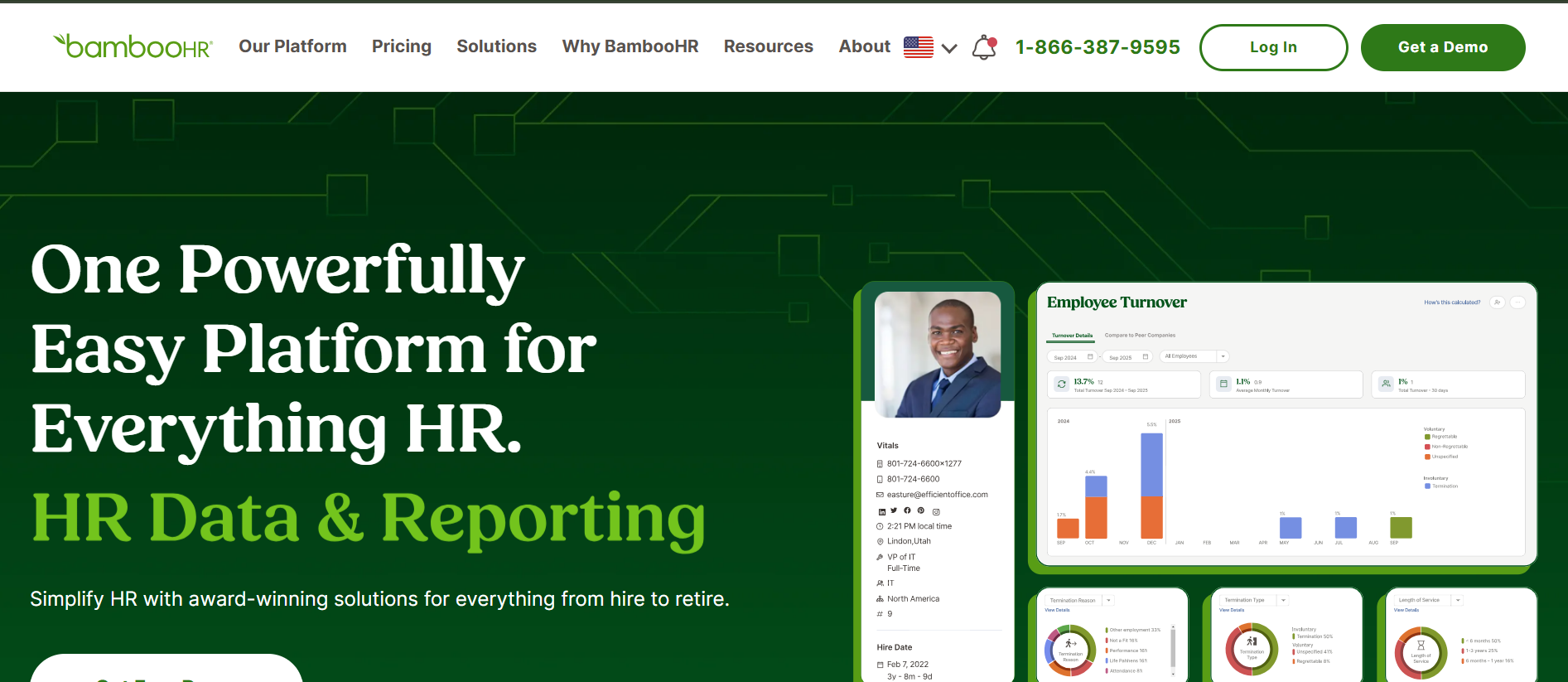
BambooHR is a user-friendly HR automation platform that helps businesses manage employee records, onboarding, payroll, and hiring workflows in one system.
Best Features
- Employee database management
- Applicant tracking system
- Automated onboarding workflows
- Payroll and time-off management
- Performance tracking tools
Best For
Small and medium-sized businesses needing simple HR management.
Pricing
Starts at $10 per employee/month for the Core plan, $17 per employee/month for Pro, and $25 per employee/month for Elite. Pricing varies based on features, employee count, and business requirements.
Workday
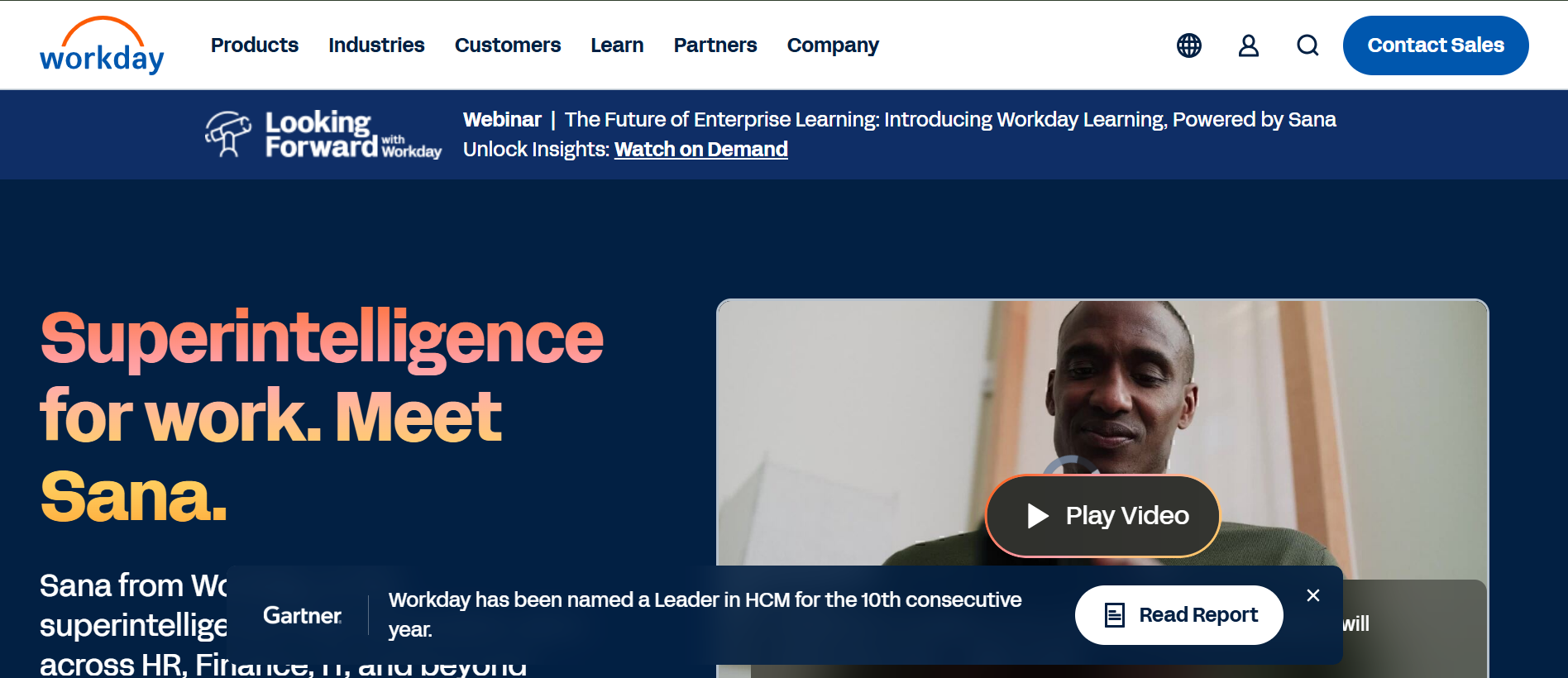
Workday is an enterprise HR automation platform designed for large organizations managing workforce operations, payroll, and compliance at scale.
Best Features
- Workforce planning and analytics
- Payroll and compliance automation
- Talent acquisition management
- Employee lifecycle tracking
- Advanced reporting dashboards
Best For
Large enterprises with global workforce operations.
Pricing
- Custom enterprise pricing
Rippling
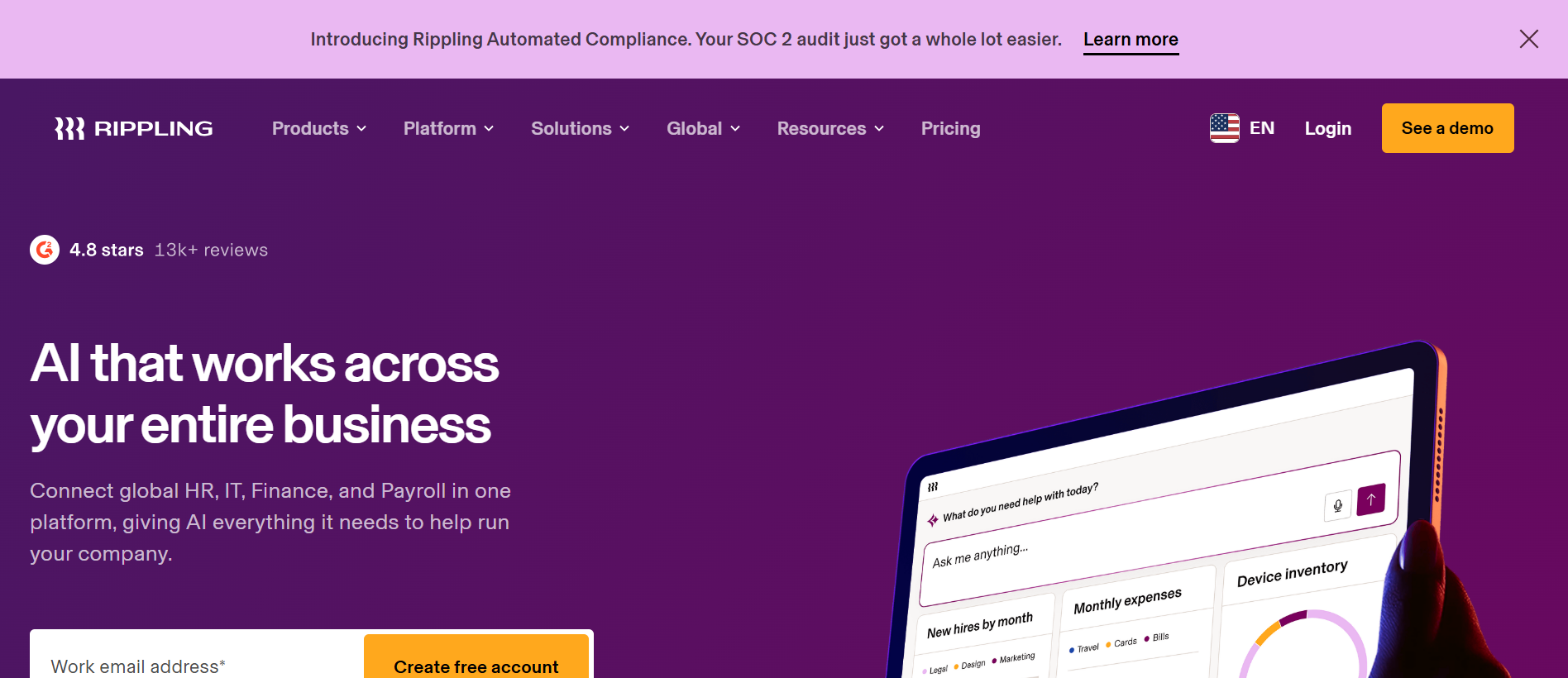
Rippling combines HR, payroll, IT, and workforce automation into one platform. It helps businesses automate employee management and operational workflows efficiently.
Best Features
- Automated onboarding and offboarding
- Payroll and benefits management
- IT device and app management
- Workflow automation
- Global employee management
Best For
Remote and distributed teams needing HR and IT automation together.
Pricing
- Starts at $8 per employee/month
- Final pricing depends on selected modules
Gusto
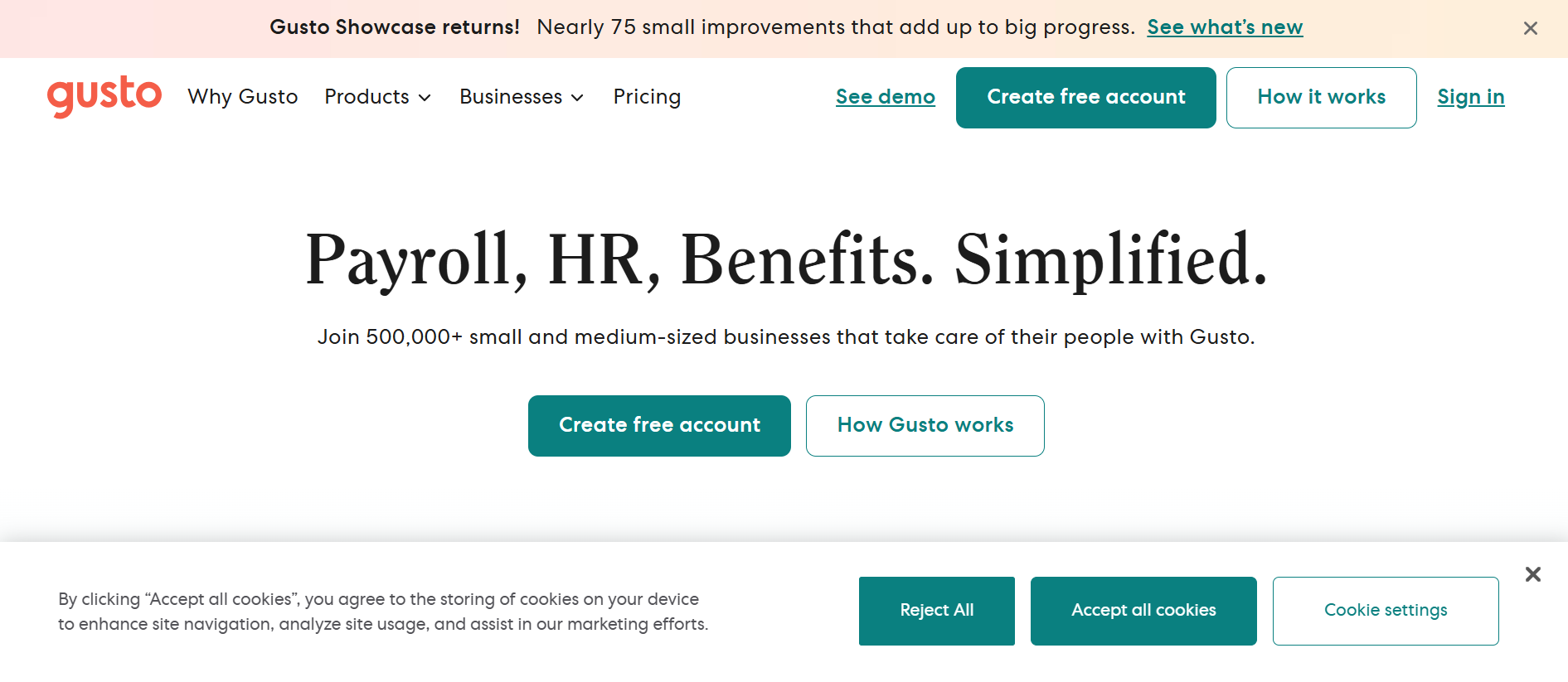
Gusto is a payroll and HR automation platform designed mainly for small businesses. It simplifies payroll, onboarding, benefits, and compliance management.
Best Features
- Automated payroll processing
- Tax filing and compliance
- Employee onboarding workflows
- Benefits administration
- Employee self-service portal
Best For
Small businesses looking for affordable payroll and HR automation.
Pricing
- Simple: $49/month + $6/user
- Plus: $80/month + $12/user
- Premium: $180/month + $22/user
Zoho People
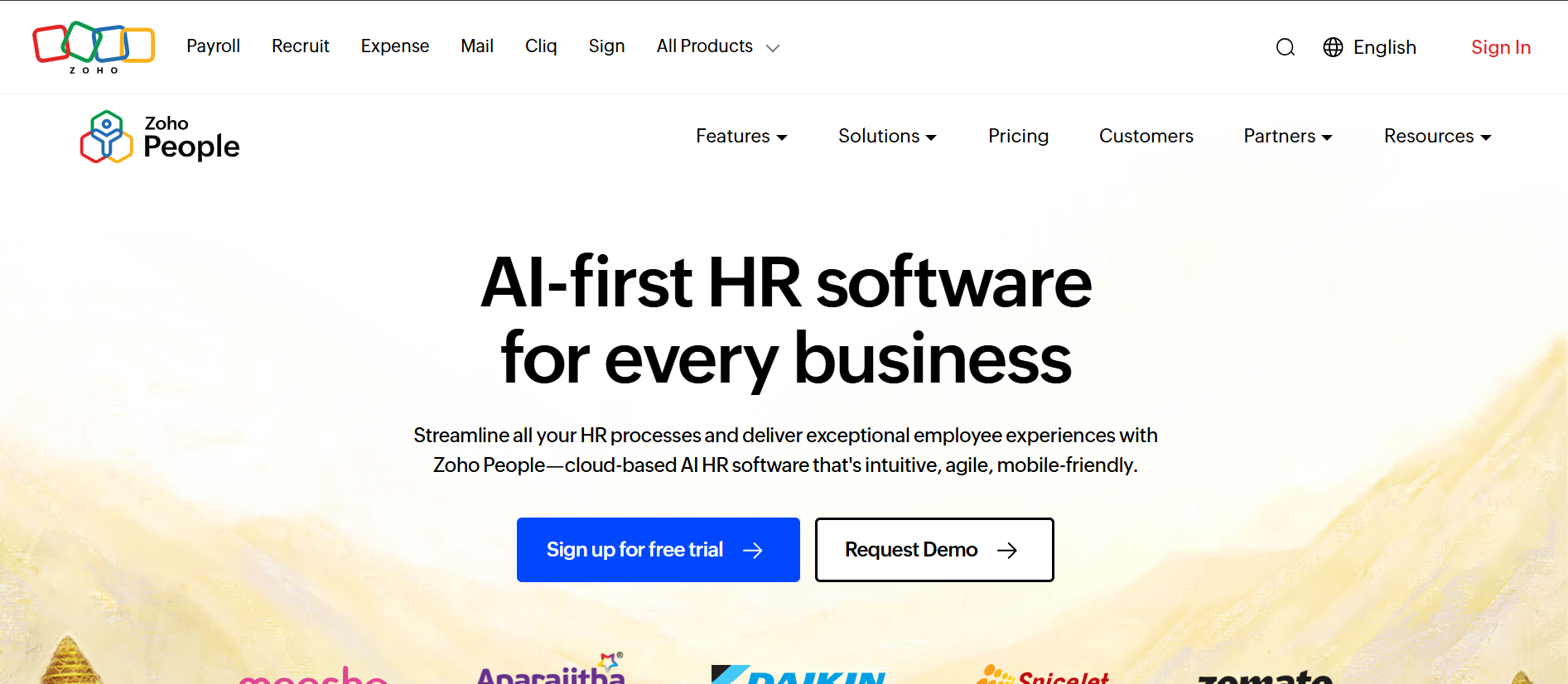
Best Features
- Employee database and document management
- Attendance and leave tracking
- Performance appraisal workflows
- HR automation and approvals
- Employee self-service portal
Best For
Small and mid-sized businesses looking for affordable HR management software with strong workflow automation.
Pricing
Starts at $1.25 per employee/month with multiple pricing tiers based on features and business size.
ADP Workforce Now
Best Features
- Payroll and tax management
- Benefits administration
- Workforce analytics and reporting
- Time tracking and scheduling
- Talent and performance management
Best For
Medium and large businesses needing advanced payroll, compliance, and workforce management tools.
Pricing
Custom pricing based on company size, selected modules, and workforce requirements.
Deel
Best Features
- Global payroll and contractor payments
- Employer of Record (EOR) services
- International compliance management
- Automated global hiring workflows
- Multi-currency payment support
Best For
Remote-first and global companies hiring employees and contractors across multiple countries.
Pricing
Starts at $49/month for contractors, while EOR services start at $599 per employee/month.
SAP SuccessFactors
Best Features
- Core HR and employee management
- AI-powered workforce analytics
- Learning and development tools
- Performance and succession planning
- Global workforce compliance support
Best For
Large enterprises managing global workforce operations and complex HR processes at scale.
Pricing
Custom pricing based on selected modules, workforce size, and enterprise requirements.
How to Choose the Right HR Automation Tool
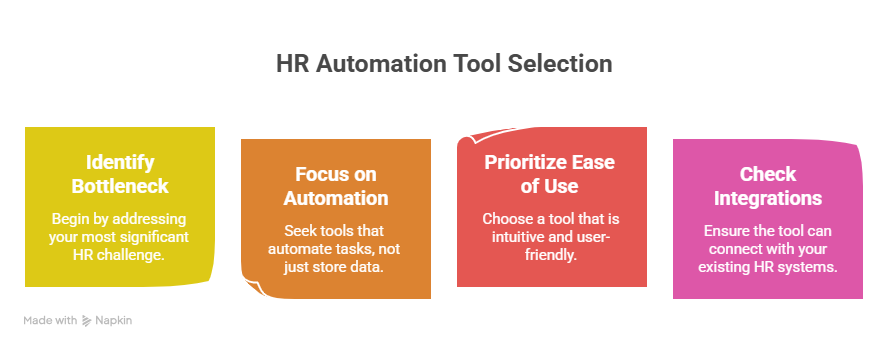
Choosing the right HR automation tool becomes much easier when you focus on the actual problems slowing your team down instead of chasing every feature available in the market.
The best platform should simplify operations, reduce manual effort, and support your future growth.
Suggested Reading:
9 Best HR Onboarding Software Tools to Streamline HiringStart With Your Biggest HR Bottleneck
Some businesses struggle with hiring delays, while others spend too much time managing payroll, onboarding, or employee records manually.
Identify the most repetitive and time-consuming HR tasks first so you can choose a tool that solves those problems directly.
Look for Automation, Not Just Storage
Many platforms organize employee data but still require heavy manual work.
A good HR automation tool should automate workflows like candidate screening, onboarding, approvals, follow-ups, and scheduling instead of simply storing information.
Prioritize Ease of Use
Complex systems often create adoption problems across HR teams and employees.
Choose software with a clean interface, simple workflows, and minimal learning curve so your team can start using it quickly.
Check Integration Capabilities
Your HR platform should connect easily with payroll systems, ATS platforms, calendars, communication tools, and other business software.
Strong integrations reduce duplicate work and keep workflows running smoothly across systems.
Common Mistakes to Avoid When Implementing HR Automation Tools
HR automation can improve efficiency quickly, but poor implementation often creates new operational problems instead of solving existing ones.
Avoiding a few common mistakes can make the transition much smoother.
Automating Broken Processes
Automation works best when your workflows are already organized. If your hiring, onboarding, or approval processes are unclear, automation may only speed up existing inefficiencies instead of fixing them.
Choosing Too Many Features at Once
Many businesses select overly complex platforms packed with features they rarely use. This increases costs, slows adoption, and makes daily workflows harder for HR teams to manage.
Focus on tools that solve your most important operational needs first.
Ignoring Employee Experience
HR automation should improve the experience for both HR teams and employees.
Complicated portals, slow onboarding flows, or difficult self-service systems can frustrate employees and reduce adoption across the organization.
Conclusion
HR automation tools help businesses reduce repetitive work, improve hiring efficiency, and simplify everyday HR operations as teams grow.
Whether you need recruiting automation, payroll management, onboarding workflows, or complete workforce management, the right platform can save significant time and improve employee experiences.
The key is choosing software that matches your current operational needs while supporting long-term growth.
By focusing on automation, usability, and integrations, businesses can build faster, more efficient HR processes without increasing manual workload.
Frequently Asked Questions
What are HR automation tools?
HR automation tools are software platforms that automate repetitive HR tasks like hiring, onboarding, payroll management, employee record keeping, and interview scheduling to reduce manual work and improve efficiency.
How do HR automation tools improve hiring?
HR automation tools streamline sourcing, resume screening, interview scheduling, follow-ups, and onboarding workflows, helping recruiters move candidates through the hiring process much faster.
Are HR automation tools suitable for small businesses?
Yes, many HR automation platforms are designed specifically for small and medium-sized businesses.
They help smaller HR teams manage growing workloads without hiring additional staff.
What features should businesses look for in HR automation software?
Businesses should prioritize workflow automation, payroll management, onboarding tools, reporting, integrations, ease of use, and scalability when selecting HR automation software.
Can HR automation tools integrate with existing systems?
Most modern HR automation tools integrate with ATS platforms, payroll systems, calendars, communication tools, and other business software to keep workflows connected and organized.


