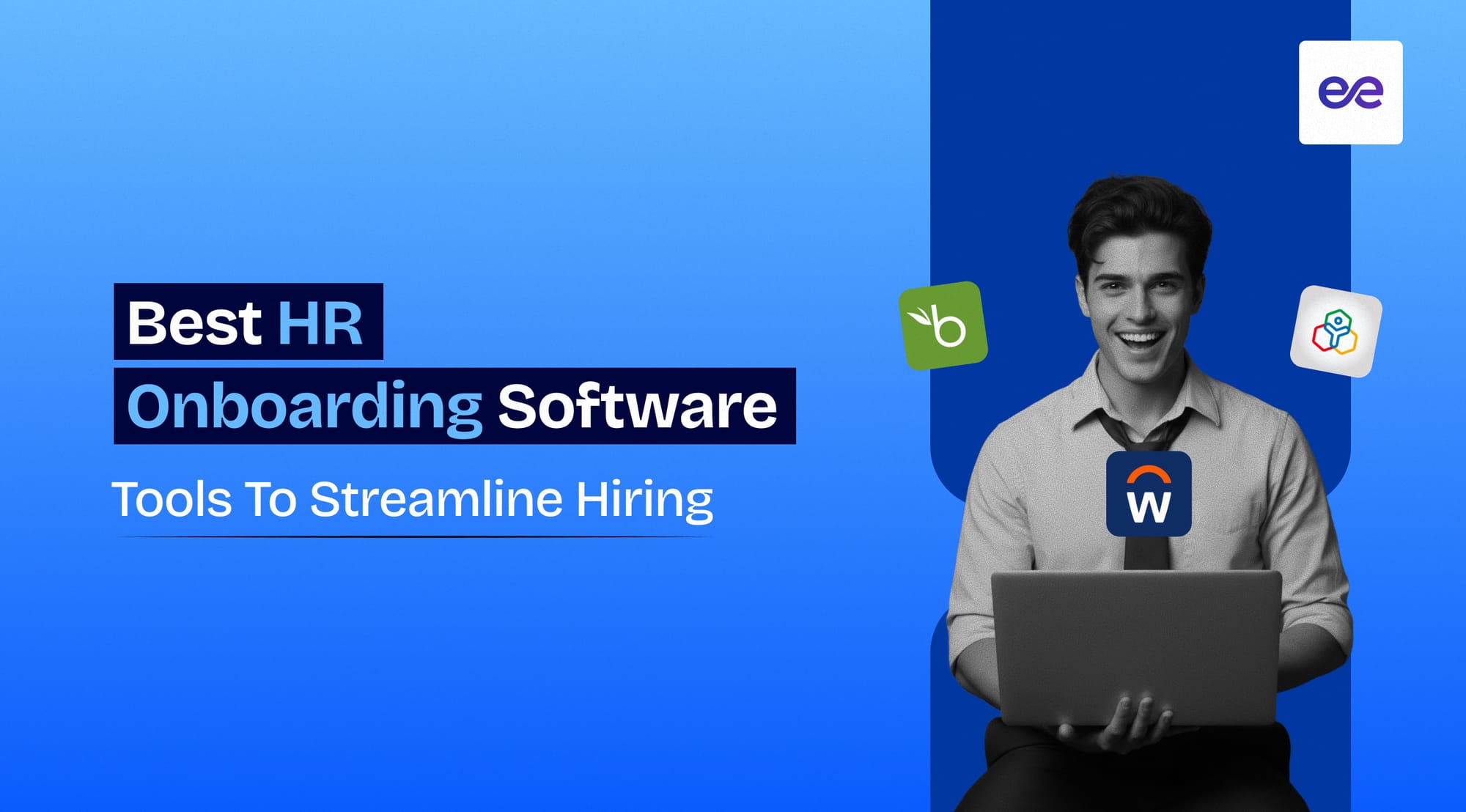
Hiring new employees sounds exciting, until onboarding turns into a slow, messy process filled with paperwork, follow-ups, and missed steps.
You might already be dealing with delays, inconsistent experiences, or too much manual coordination across teams.
That’s exactly where HR onboarding software makes a real difference by bringing structure, speed, and consistency to your hiring workflow.
Instead of juggling tasks manually, you can automate and streamline everything from day one.
In this guide, you will discover:
- The best HR onboarding software tools available today
- What features actually matter when choosing a tool
- How the right software can improve your hiring experience
What Is HR Onboarding Software?
When you hire someone new, the real work doesn’t stop at sending the offer letter.
You still need to manage documents, share policies, assign training, and make sure the employee feels welcomed from day one.
HR onboarding software helps you handle all of this in a structured and automated way without relying on scattered tools or manual follow-ups.
At its core, HR onboarding software is a digital platform that manages the entire employee onboarding process from offer acceptance to full integration into the company.
Instead of chasing emails or tracking tasks in spreadsheets, you get a centralized system where everything is organized and visible.
Here’s what it typically helps you do:
- Collect and store employee documents digitally without paperwork delays
- Automate task assignments for HR, managers, and new hires
- Share training materials, policies, and welcome resources in one place
- Track onboarding progress to ensure nothing gets missed
- Improve communication with structured workflows and reminders
What makes it valuable is not just automation, but consistency.
Every new hire goes through the same well-designed experience, which reduces confusion and builds a stronger first impression.
Over time, this leads to faster ramp-up, better engagement, and fewer onboarding errors that can slow your team down.
Suggested Reading:
Modern Onboarding Process Steps for HR ProfessionalsKey Features to Look for in HR Onboarding Software
Once you understand what HR onboarding software does, the next step is knowing how to choose the right one.
Not every tool will fit your workflow, so focusing on the features that actually impact efficiency and employee experience is what matters most.
1. Automation of Onboarding Tasks
Manual onboarding quickly becomes overwhelming when you’re handling multiple hires at once.
Automation helps you assign tasks, send reminders, and trigger workflows without constant follow-ups from your side.
This ensures every step happens on time, without things slipping through the cracks.
2. Document Management and E-Signatures
Collecting employee documents through emails or physical paperwork slows everything down.
A good tool lets you store, organize, and manage documents digitally while enabling e-signatures for faster approvals.
This makes the entire process smoother and more secure.
3. Employee Self-Service Portals
New hires often have questions or need access to information during onboarding.
A self-service portal gives them a single place to complete tasks, upload documents, and access company resources independently.
This reduces back-and-forth communication and improves their overall experience.
4. Integration with HR Systems
Your onboarding software should not work in isolation from your existing tools.
Seamless integration with HR systems like payroll, ATS, and HRIS ensures data flows automatically without manual entry.
This saves time and reduces errors across systems.
5. Task Tracking and Workflows
Without visibility, it’s hard to know what’s completed and what’s pending.
Task tracking helps you monitor progress across onboarding stages while structured workflows keep everything organized.
This makes it easier to stay in control of the entire process.
6. Communication and Collaboration Tools
Onboarding involves multiple stakeholders including HR, managers, and team members.
Built-in communication tools help everyone stay aligned, share updates, and collaborate efficiently throughout the process.
This creates a more connected onboarding experience.
7. Compliance Management
Missing compliance requirements can lead to serious risks for your organization.
Onboarding software helps you manage legal documents, policies, and regulatory requirements in a structured way.
This ensures every employee completes necessary steps without errors.
8. Analytics and Reporting
You cannot improve what you don’t measure.
Analytics and reporting give you insights into onboarding performance, completion rates, and bottlenecks.
This helps you continuously refine your process and make better hiring decisions over time.
Suggested Reading:
Automated Hiring Workflows: 8 Types + How to Build Them Fast9 Best HR Onboarding Software Tools
Now that you know what features matter, the next step is choosing the right tool that actually delivers on them.
Each of these HR onboarding software tools helps you streamline hiring in a slightly different way depending on your team size and complexity.
1. BambooHR
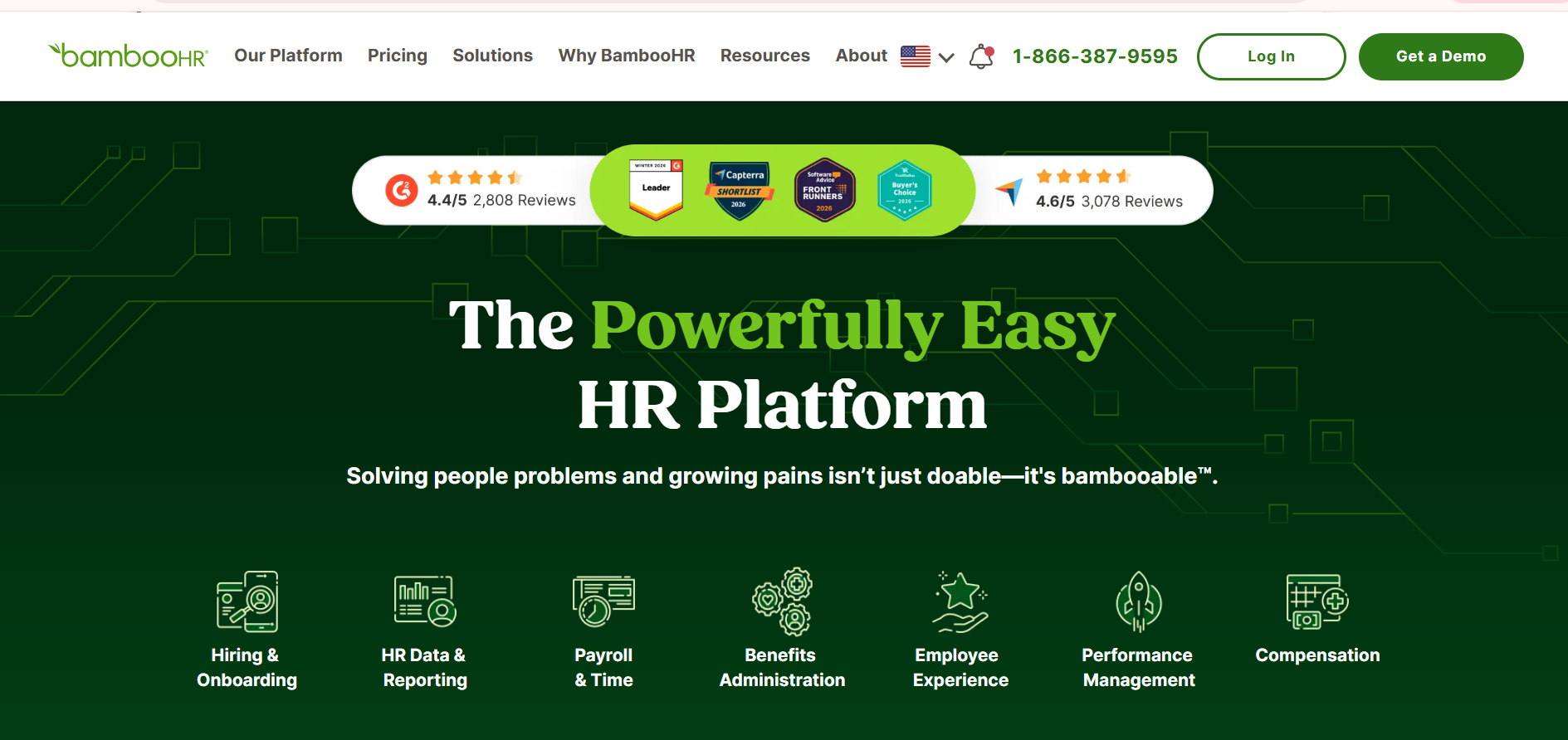
BambooHR is a popular HR software designed for small to mid-sized businesses looking for a simple and intuitive onboarding experience.
It combines employee data management with onboarding workflows in a clean, easy-to-use interface.
How It Helps Streamline Onboarding
BambooHR reduces manual work by automating key onboarding steps like document collection and task assignments.
You can create structured onboarding checklists, send e-signature requests, and ensure every new hire follows a consistent process.
Everything stays organized in one place, which removes the need for scattered tools.
Ideal Use Cases
BambooHR works best if you are a growing company that needs a straightforward onboarding system without heavy customization.
It is especially useful for teams that want to move away from spreadsheets and manual coordination.
2. Workday
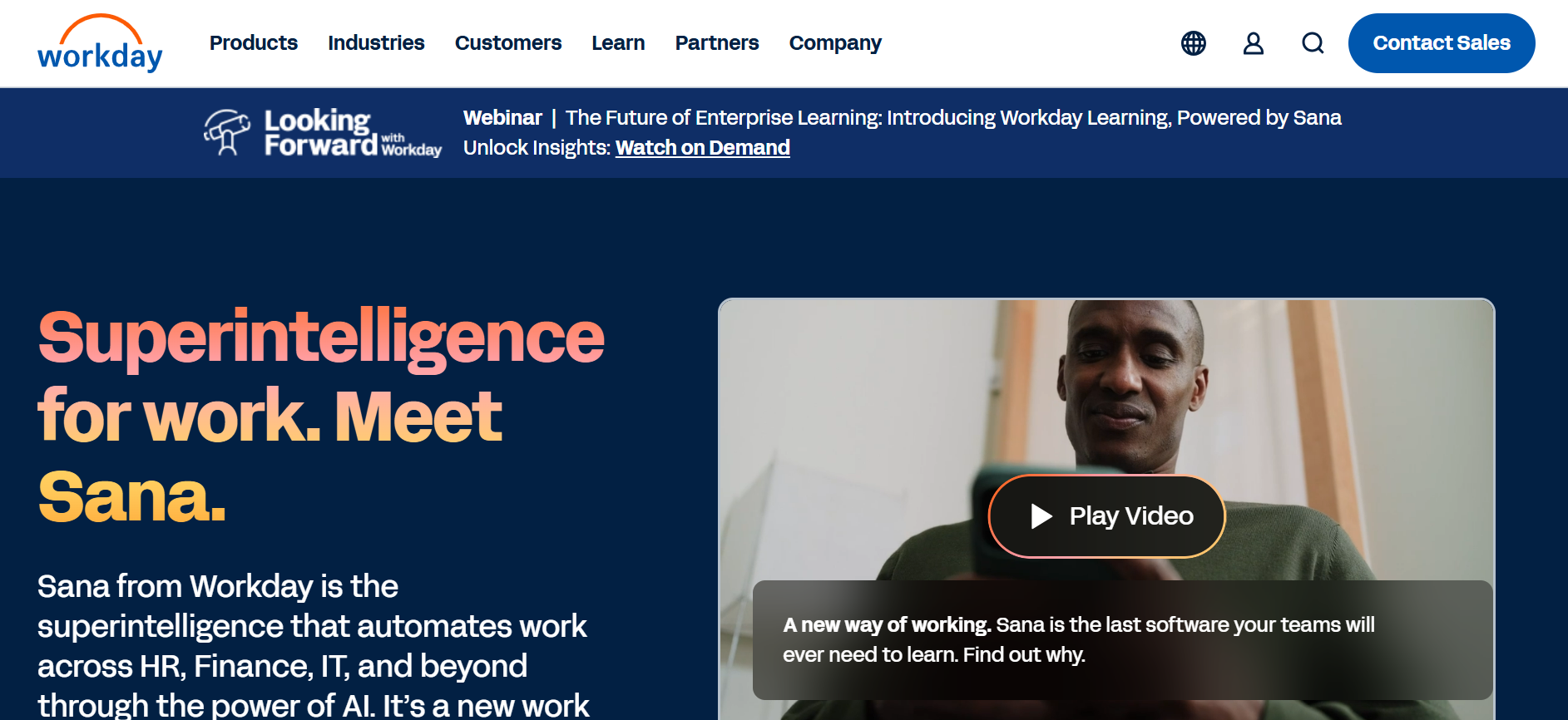
Workday is an enterprise-level HR platform built for large organizations with complex onboarding and workforce management needs.
It offers a comprehensive suite that goes beyond onboarding into full human capital management.
How It Helps Streamline Onboarding
Workday helps you manage onboarding at scale by standardizing workflows across departments and locations.
You can automate approvals, integrate onboarding with payroll and compliance systems, and ensure data flows seamlessly across the organization.
This makes it easier to handle high-volume hiring without losing control.
Ideal Use Cases
Workday is ideal if you are a large enterprise dealing with complex hiring structures and global teams.
It works well when you need deep integrations, advanced reporting, and strict process control.
3. SAP SuccessFactors
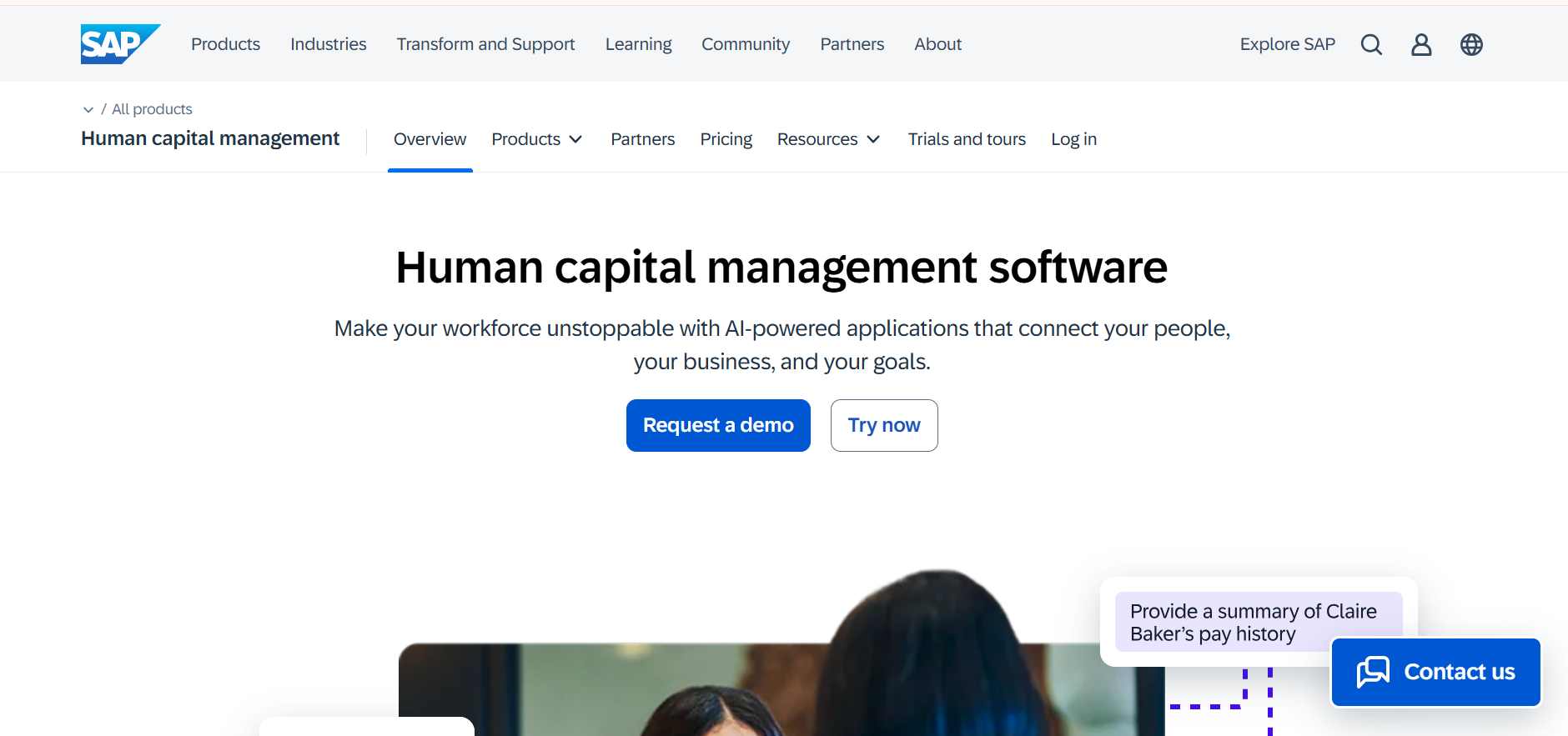
SAP SuccessFactors is a cloud-based HR solution designed to handle end-to-end employee lifecycle management, including onboarding.
It focuses on creating structured and scalable onboarding experiences for enterprises.
How It Helps Streamline Onboarding
SuccessFactors allows you to build guided onboarding journeys that ensure every employee completes required steps on time.
It supports compliance tracking, document management, and automated workflows across regions.
This helps you maintain consistency even when hiring across multiple locations.
Ideal Use Cases
This tool is best suited for large organizations that require strong compliance management and standardized onboarding processes.
It is particularly useful if your company operates across different countries with varying regulations.
4. Zoho People
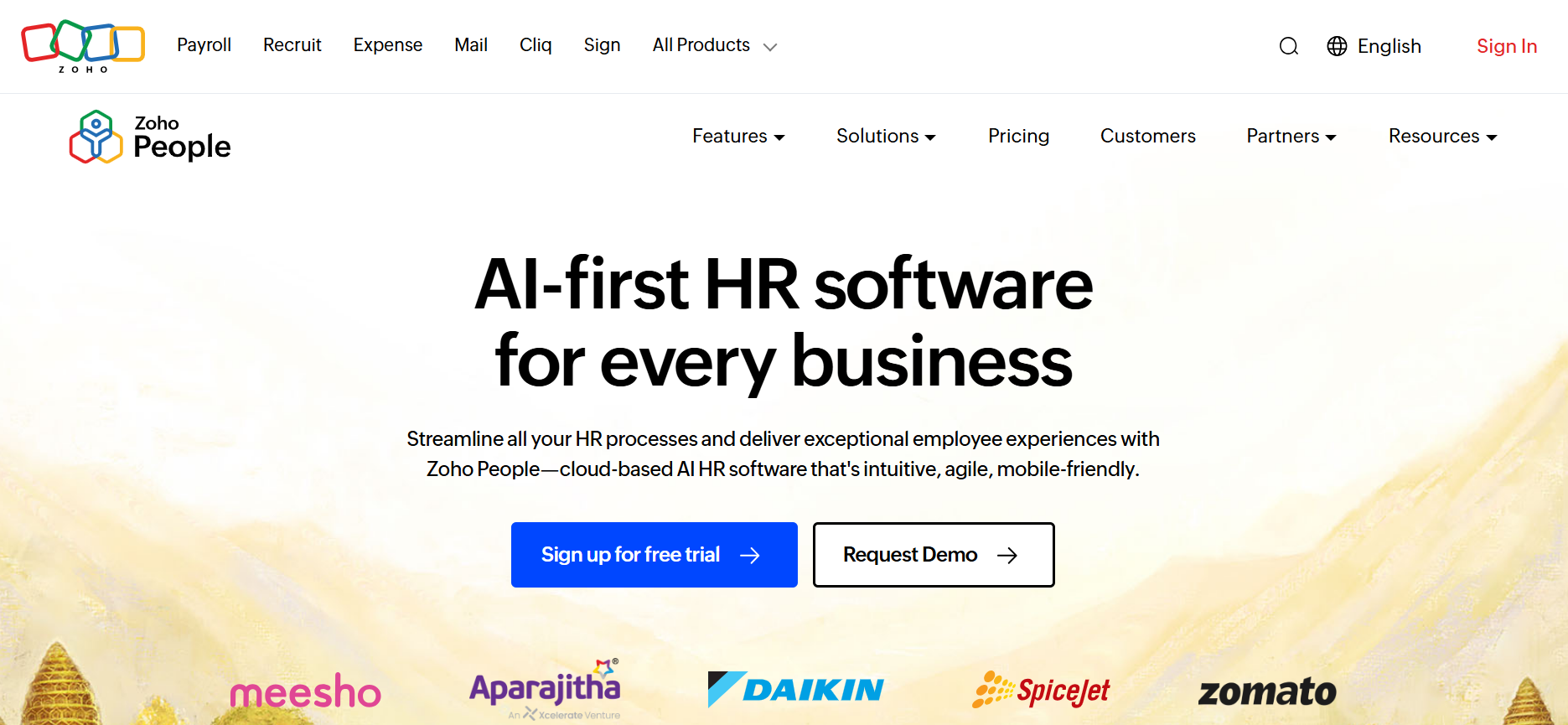
Zoho People is a flexible HR software designed for small to mid-sized businesses that want customizable onboarding workflows.
It is part of the broader Zoho ecosystem, which makes it easy to connect with other business tools.
How It Helps Streamline Onboarding
Zoho People helps you automate onboarding tasks while giving you the flexibility to customize workflows based on your needs.
You can manage employee records, track onboarding progress, and integrate with other Zoho apps for a connected experience.
This balance of automation and customization makes it easy to adapt as your team grows.
Ideal Use Cases
Zoho People is a good fit if you want an affordable and customizable onboarding solution without the complexity of enterprise tools.
It works well for businesses already using Zoho products or those looking for a scalable system with flexible workflows.
5. Gusto
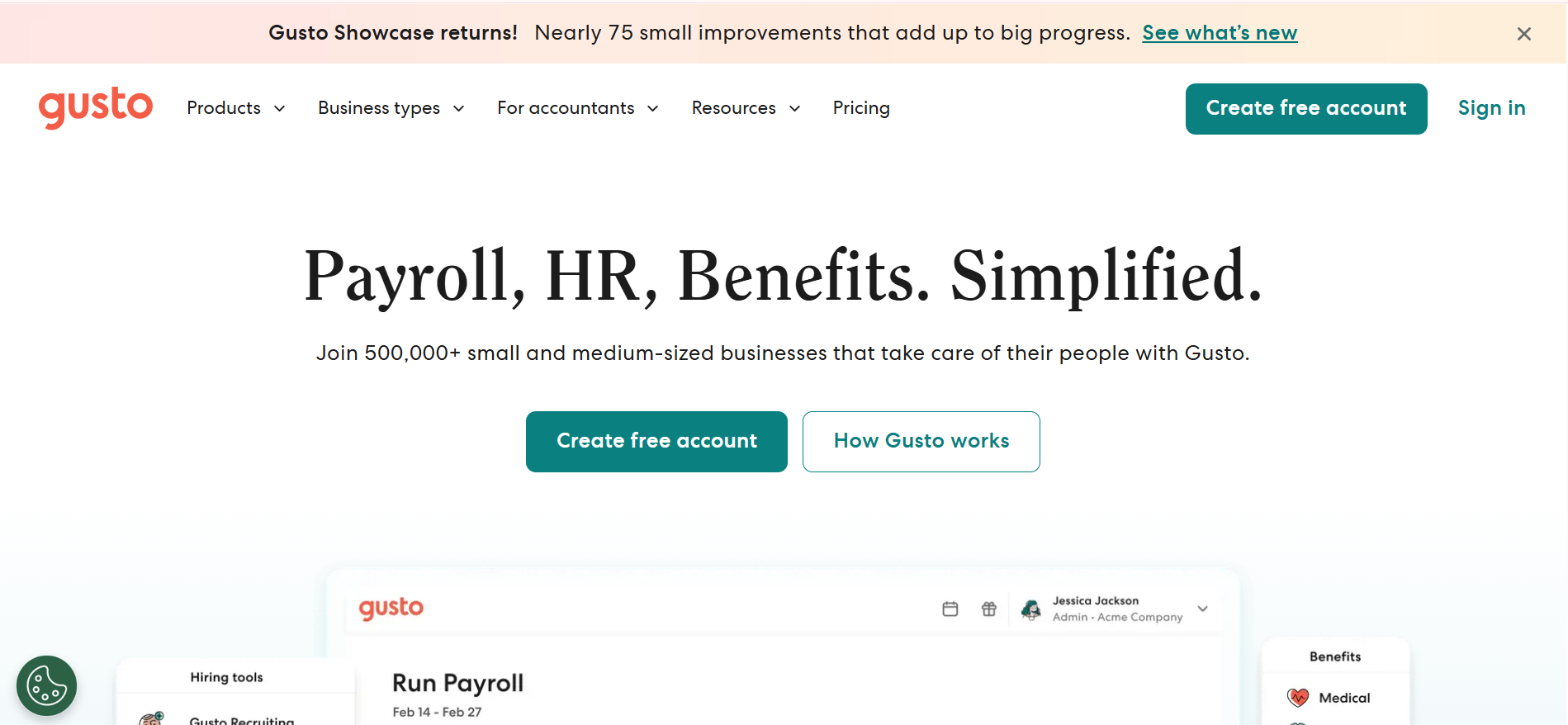
Gusto is an all-in-one HR platform that focuses on payroll, benefits, and onboarding for small to mid-sized businesses.
It simplifies hiring by combining essential HR functions into one easy-to-manage system.
How It Helps Streamline Onboarding
Gusto makes onboarding smoother by allowing new hires to complete paperwork, sign documents, and set up payroll details online.
You can automate offer letters, tax forms, and benefits enrollment, which reduces manual back-and-forth significantly.
Everything is handled in a single workflow, helping you move faster from hiring to productivity.
Ideal Use Cases
Gusto is a strong fit if you are a small business looking for a simple solution that combines onboarding with payroll and compliance.
It works well when you want minimal setup and quick implementation.
6. Rippling
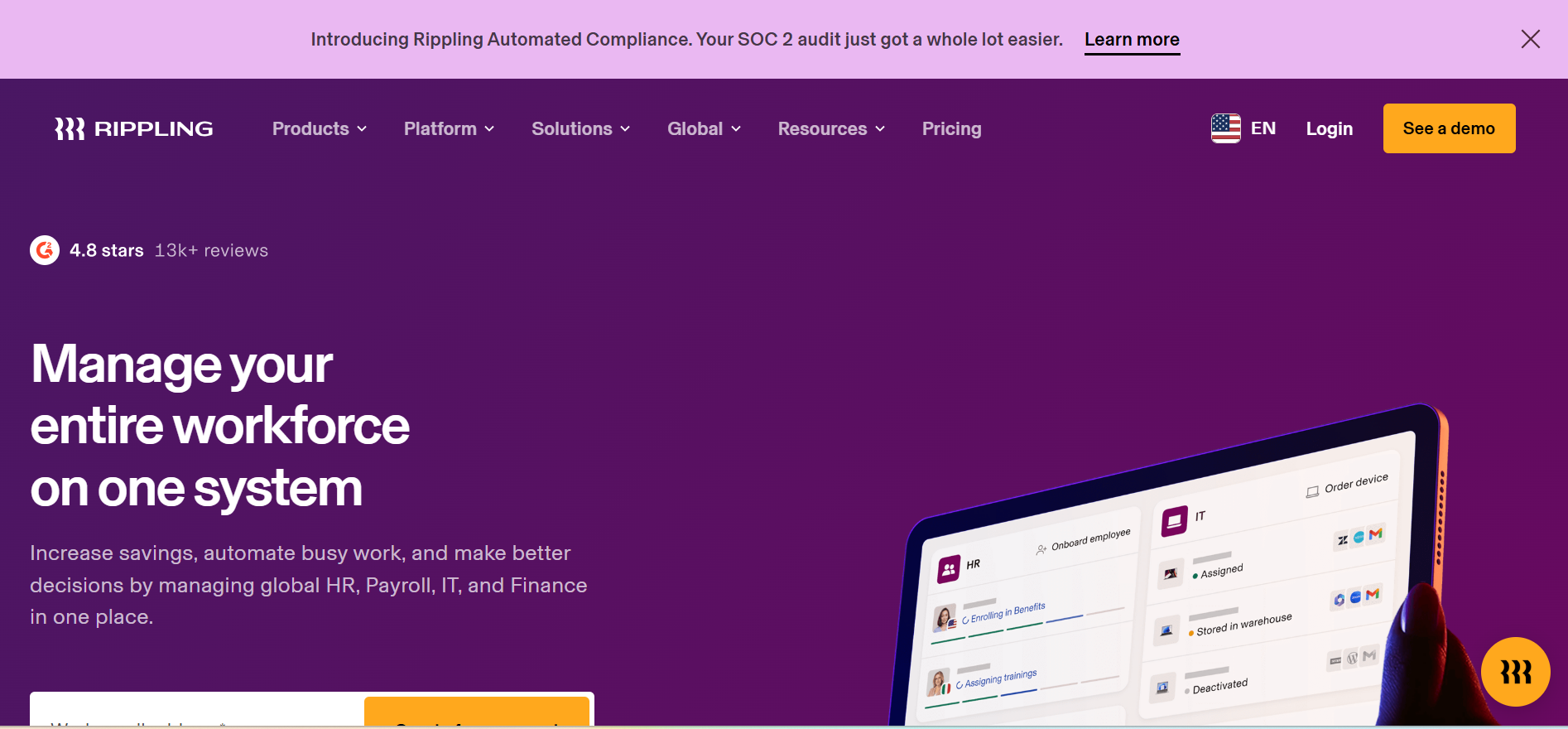
Rippling is a modern workforce management platform that connects HR, IT, and finance operations in one place.
It stands out for its ability to manage both employee onboarding and system access from a single dashboard.
How It Helps Streamline Onboarding
Rippling automates onboarding by setting up employee accounts, assigning devices, and granting software access instantly.
Along with HR tasks like document collection and payroll setup, it ensures new hires are fully equipped from day one.
This reduces delays and creates a seamless onboarding experience across teams.
Ideal Use Cases
Rippling is ideal if you want to manage both HR processes and IT provisioning together.
It works best for companies that need a more connected and automated onboarding experience.
7. ADP Workforce Now
ADP Workforce Now is a comprehensive HR solution designed for mid-sized to large organizations.
It offers robust tools for payroll, talent management, and onboarding within a single platform.
How It Helps Streamline Onboarding
ADP Workforce Now helps standardize onboarding with automated workflows, digital document management, and compliance tracking.
It also integrates deeply with payroll and benefits systems, ensuring all employee data is accurate and up to date.
This reduces administrative workload and keeps everything aligned across departments.
Ideal Use Cases
This tool is best suited for organizations that need a reliable, scalable solution with strong compliance and payroll integration.
It is especially useful for businesses managing large or distributed teams.
8. Freshteam
Freshteam is an HR software by Freshworks that focuses on recruitment and onboarding for growing businesses.
It provides a simple interface with tools designed to improve hiring and employee onboarding experiences.
How It Helps Streamline Onboarding
Freshteam allows you to create onboarding workflows, share documents, and assign tasks to different stakeholders easily.
You can also manage candidate information and transition them smoothly into employees without switching systems.
This creates a more connected hiring and onboarding process.
Ideal Use Cases
Freshteam is a good choice if you are a growing company that wants a lightweight yet effective onboarding solution.
It works well for teams that want to combine hiring and onboarding in one platform.
9. ClearCompany
ClearCompany is a talent management platform that includes onboarding as part of its broader hiring and employee lifecycle tools.
It focuses on helping companies create structured and engaging onboarding experiences.
How It Helps Streamline Onboarding
ClearCompany helps you build customized onboarding workflows that guide new hires through every step of the process.
It supports document management, task tracking, and communication, ensuring a smooth transition into the organization.
This reduces confusion and improves consistency across onboarding experiences.
Ideal Use Cases
ClearCompany is ideal for companies that want to align onboarding with broader talent management strategies.
It works well if you need flexibility in designing onboarding workflows while maintaining structure.
How to Choose the Right HR Onboarding Software
Now that you’ve seen the top tools available, the real challenge is figuring out which one actually fits your business.
The right choice is not about picking the most popular software, but about selecting the one that aligns with how your team works and grows.
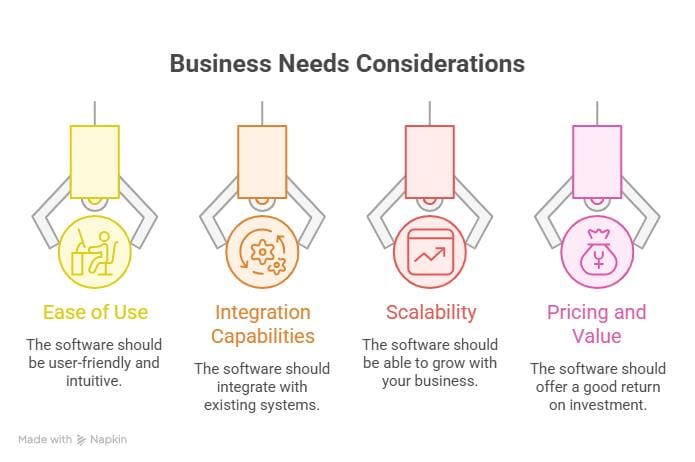
1. Identify Your Business Needs
Before comparing features, you need clarity on what problems you’re trying to solve.
Are you struggling with manual paperwork, lack of visibility, or inconsistent onboarding experiences across teams?
When you define your priorities clearly, it becomes much easier to filter out tools that don’t match your workflow.
2. Consider Ease of Use
Even the most powerful software won’t help if your team finds it difficult to use.
Look for a tool with a clean interface and simple navigation so both HR teams and new hires can use it without confusion.
This ensures faster adoption and reduces the need for constant training.
3. Check Integration Capabilities
Your onboarding software should work smoothly with the tools you already use.
Make sure it integrates with your HR systems like payroll, ATS, and HRIS to avoid duplicate data entry and errors.
Seamless integration helps you build a connected and efficient workflow.
4. Evaluate Scalability
What works for your team today might not work a year from now.
Choose a solution that can grow with your business, whether that means handling more employees or supporting more complex workflows.
This prevents the need to switch tools as your company scales.
5. Review Pricing and Value
Pricing is important, but it should not be the only factor in your decision.
Focus on the value the software delivers in terms of time saved, efficiency gained, and improved onboarding experience.
A slightly higher investment can often lead to much better long-term results.
Common Challenges in Employee Onboarding
Even with the best intentions, onboarding can easily become inconsistent and frustrating if the right systems are not in place.
Understanding these common challenges helps you identify what might be slowing down your hiring process today.
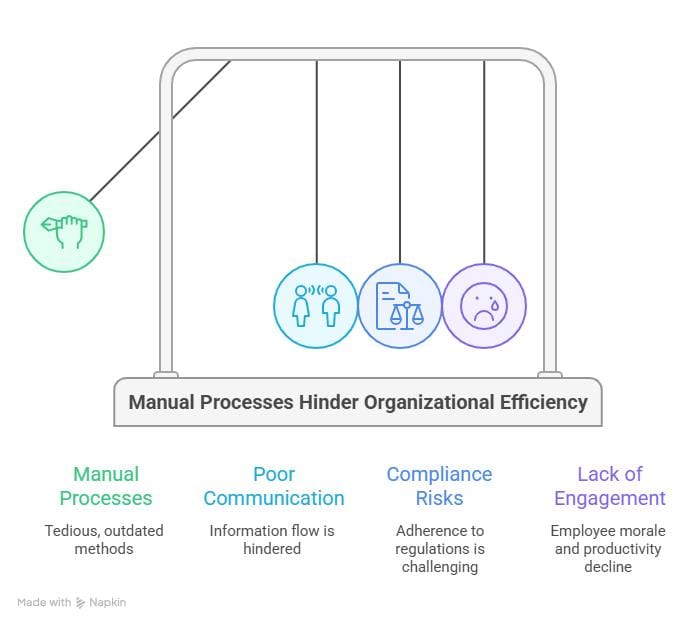
1. Manual Processes and Delays
When onboarding relies on spreadsheets, emails, and paperwork, delays become almost unavoidable.
You end up chasing documents, sending reminders, and manually tracking every step, which slows everything down.
This not only wastes time but also creates a poor first experience for new hires who expect a smooth start.
2. Poor Communication
Onboarding involves HR, managers, and sometimes entire teams, which makes communication critical.
Without a clear system, messages get missed, tasks are unclear, and new hires feel unsure about what to do next.
This lack of coordination often leads to confusion and unnecessary back-and-forth.
3. Compliance Risks
Missing important documents or skipping required steps can create serious compliance issues.
When processes are not standardized, it becomes difficult to ensure every employee completes legal and policy requirements.
This increases the risk of errors that can have long-term consequences for your business.
4. Lack of Engagement
A disconnected onboarding experience can make new hires feel like just another number.
If the process feels repetitive or unclear, it affects motivation and delays how quickly they become productive.
Engaging onboarding is not just about tasks, but about helping employees feel confident and connected from day one.
Best Practices for Effective Onboarding
Once you understand the challenges, the next step is improving how your onboarding actually works in practice.
The goal is not just to complete tasks, but to create a smooth and engaging experience that helps new hires succeed faster.
1. Start Before Day One
Onboarding should begin the moment a candidate accepts your offer, not on their first day.
You can share documents, introduce team members, and set expectations early so new hires feel prepared and confident.
This reduces first-day anxiety and helps them hit the ground running.
2. Standardize the Process
Without a structured approach, onboarding can feel inconsistent across different hires.
Creating a standardized process ensures every employee goes through the same essential steps without missing anything important.
This improves efficiency while maintaining a consistent experience across the organization.
3. Personalize the Experience
While structure is important, onboarding should not feel generic or robotic.
Tailor parts of the experience based on the employee’s role, team, or level to make it more relevant.
This helps new hires feel valued and more connected to their work from the start.
4. Set Clear Expectations
Unclear expectations can leave new hires feeling confused about their responsibilities.
Define goals, timelines, and key milestones early so they know exactly what is expected of them.
This creates clarity and builds confidence as they settle into their role.
5. Collect Feedback and Improve
Onboarding is not a one-time setup, it should evolve based on real experiences.
Collect feedback from new hires regularly to understand what’s working and what needs improvement.
This helps you refine your process and continuously create a better onboarding experience.
Conclusion
Choosing the right HR onboarding software can completely change how your hiring process feels and performs.
Instead of dealing with delays, confusion, and manual work, you can create a smooth and consistent experience for every new hire.
The key is to focus on your needs, pick the right features, and continuously improve your process over time.
When done right, onboarding not only saves time but also helps new employees feel confident, engaged, and ready to contribute from day one.
Frequently Asked Questions
What is the main purpose of HR onboarding software?
HR onboarding software helps you manage and automate the entire onboarding process in a structured way.
It reduces manual work, ensures consistency, and creates a smoother experience for new hires from day one.
How does onboarding software improve employee experience?
It gives new hires a clear, guided process instead of leaving them confused or overwhelmed.
With organized tasks, easy access to information, and better communication, employees feel more confident and engaged early on.
Is HR onboarding software suitable for small businesses?
Yes, many onboarding tools are designed specifically for small and growing teams.
They help you save time, reduce errors, and build a professional onboarding process without needing a large HR team.
Can onboarding software integrate with existing HR tools?
Most modern onboarding software supports integration with payroll, ATS, and HRIS systems.
This allows you to sync data automatically and avoid duplicate work across different platforms.
How long does it take to implement onboarding software?
The timeline depends on the tool and your business needs.
Simple tools can be set up in a few days, while more complex systems may take a few weeks to fully implement.